
Helping Netflix users spend less time choosing and more time watching
Personal Project
Overview
Netflix has thousands of options. Somehow, choosing one is still the hard part.
Opening Netflix often starts the same way: scroll through a few rows, open a title, go back, and keep looking. When other people are involved, that indecision turns into a debate over everyone's moods, preferences, and time.
I designed a lightweight recommendation flow that helps people narrow down what they want and arrive at one pick — whether they're watching alone or choosing with a group.
Problem
Netflix gives users plenty to watch, but not much help making the final decision.
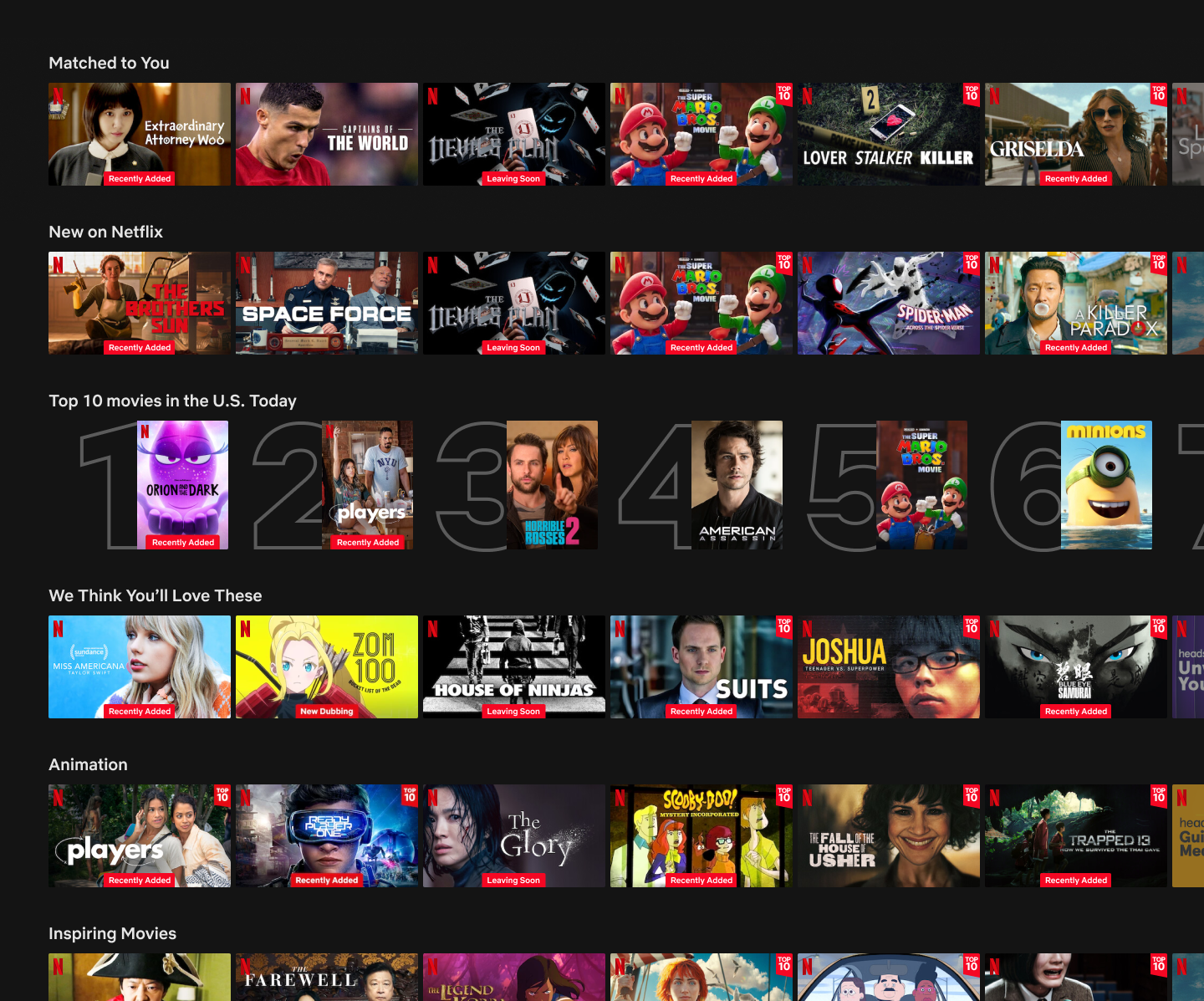
Existing recommendations still leave people comparing dozens of options. The interface is optimized for browsing, not for helping someone actually pick something to watch.
The result is a familiar loop: open Netflix, scroll rows, open titles, back out, keep scrolling. Eventually, someone gives up and rewatches something they've already seen, or the group never actually starts the movie.
Browse rows
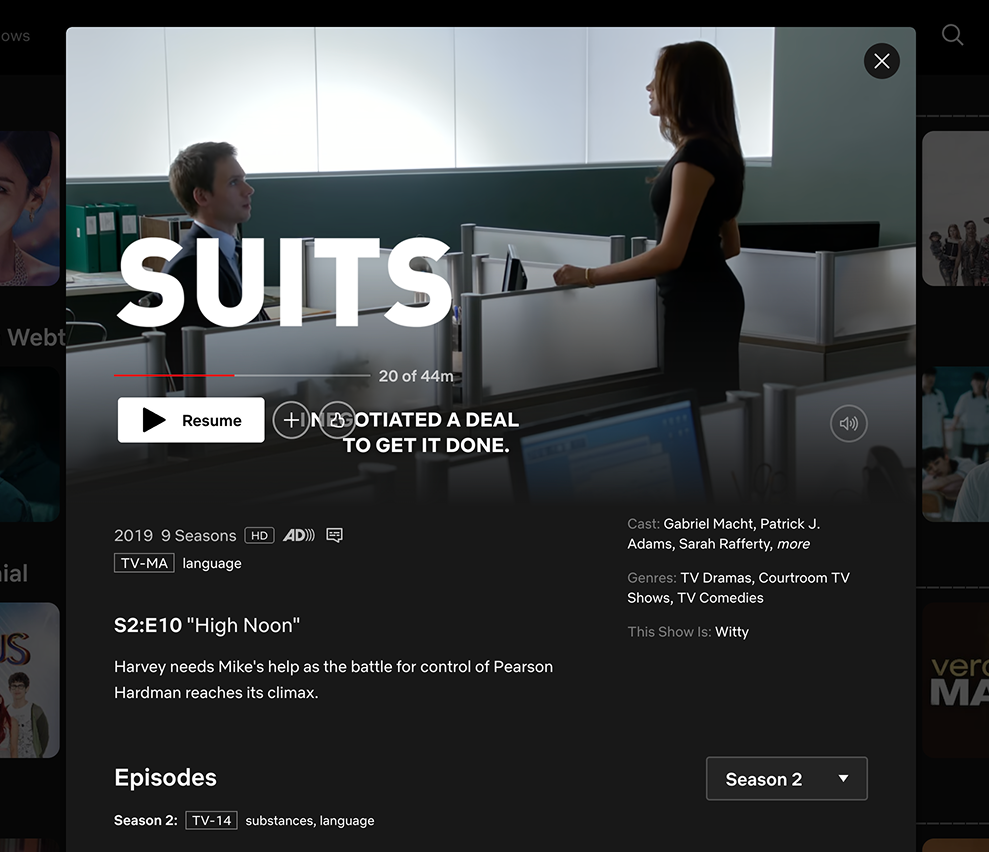
Open title
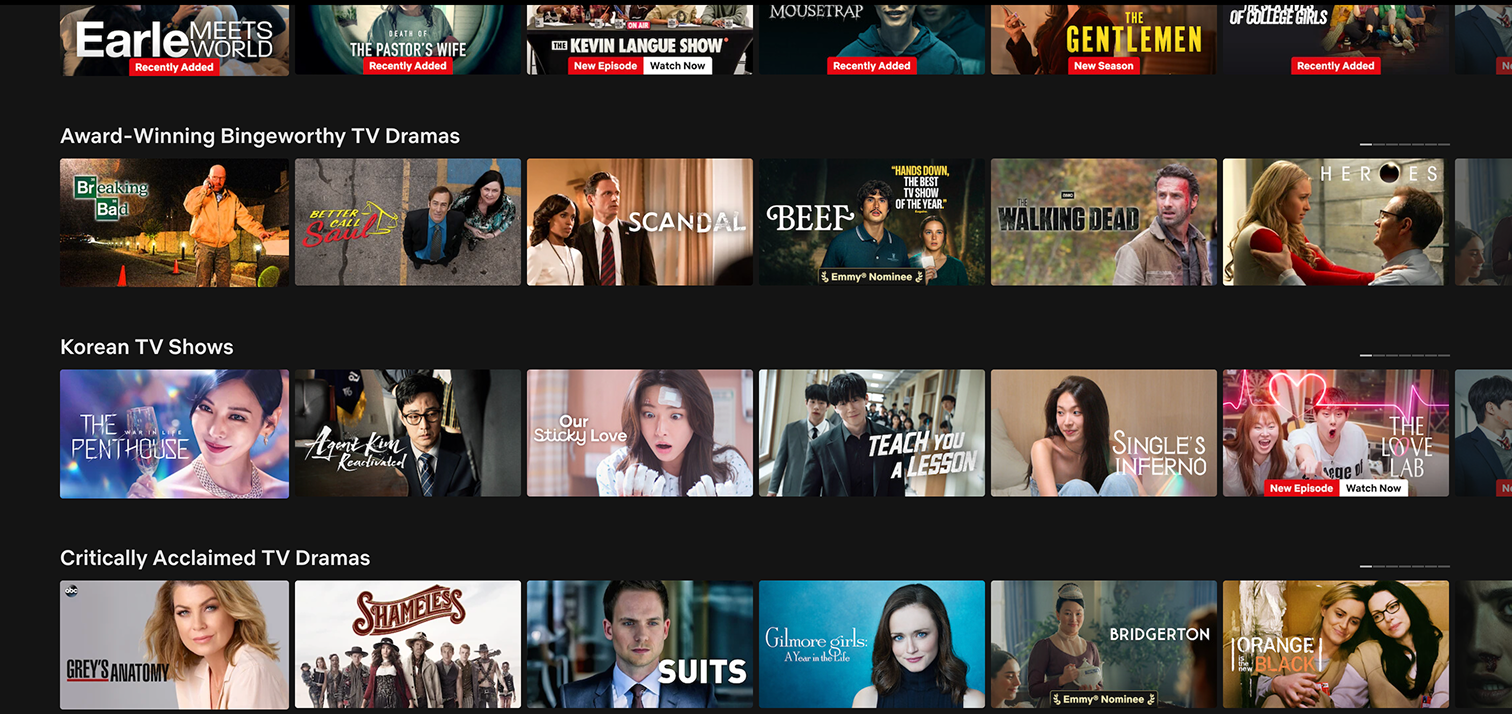
Go back
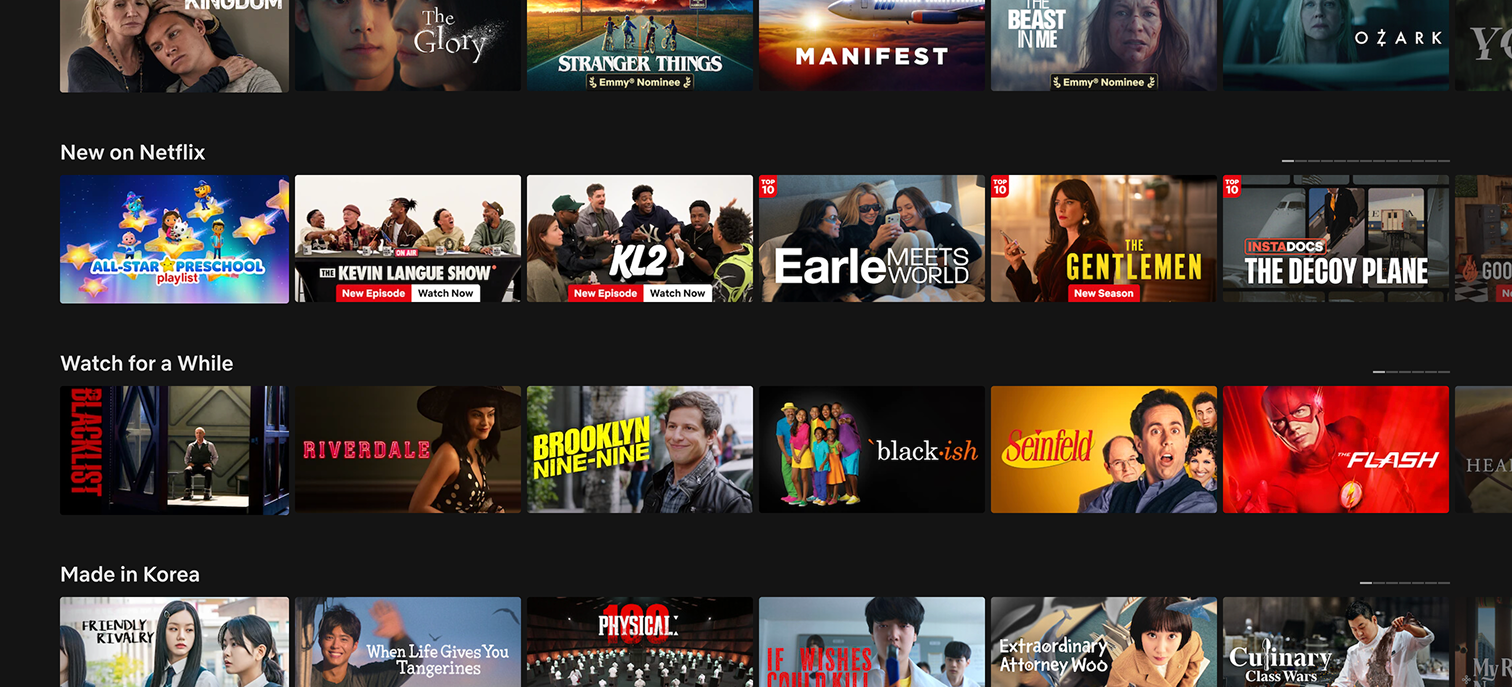
Keep scrolling
More options → more comparison → more indecision → back to browsing.
Exploration
I started with a random movie generator.
The first idea was simple: Netflix would choose something at random and remove the need to browse altogether.
But pure randomness creates a different problem. It's fast, but it ignores why someone is watching, what they're in the mood for, and how much time they have. Users would probably keep regenerating results until something happened to feel right, which is basically browsing again!
💡 So I shifted the concept from "pick something random" to "help me make a decision."
Decision
A few lightweight questions. One confident recommendation.
The experience asks users a short sequence of questions, then recommends one title based on the answers.
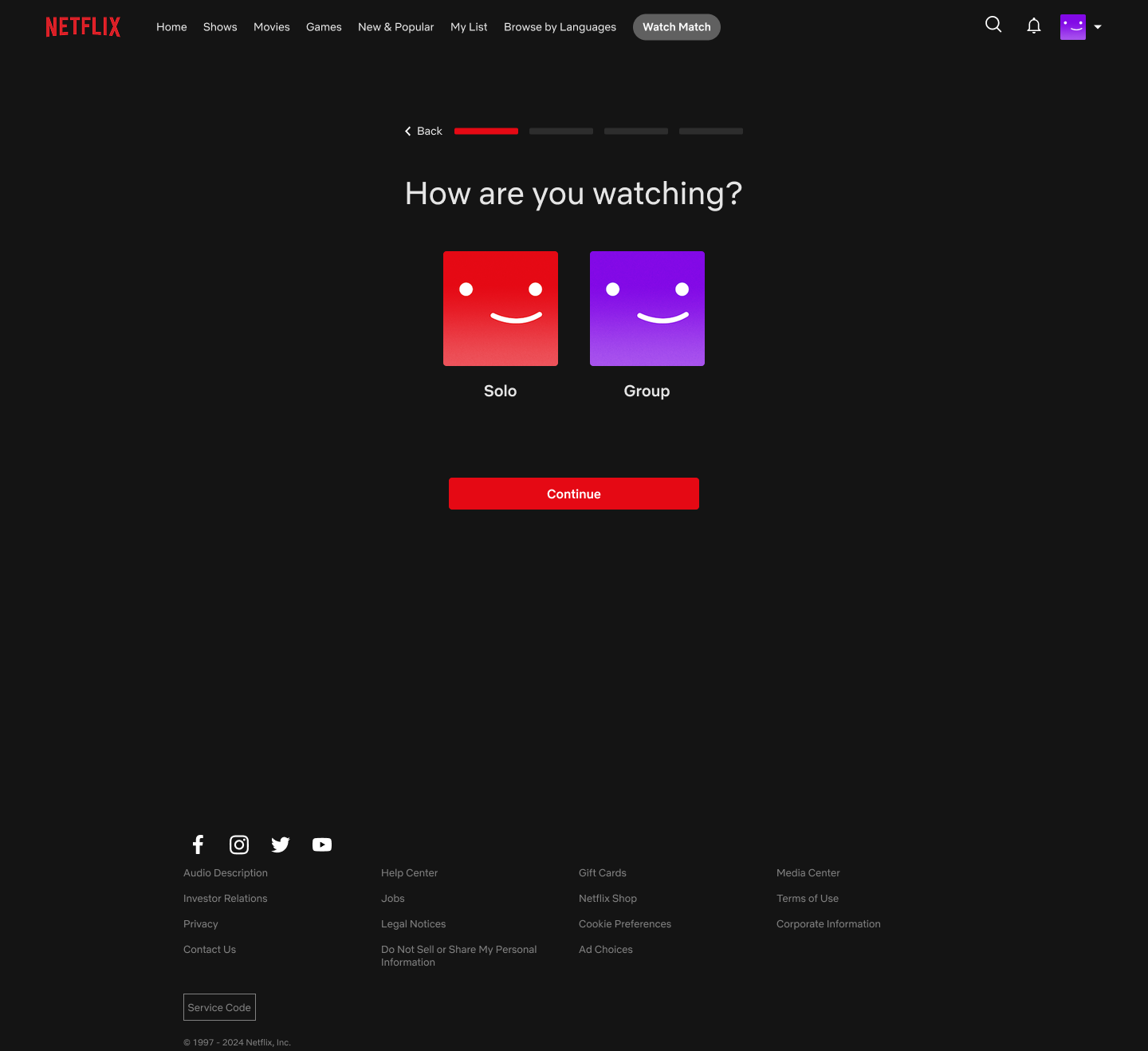
01 Watching context
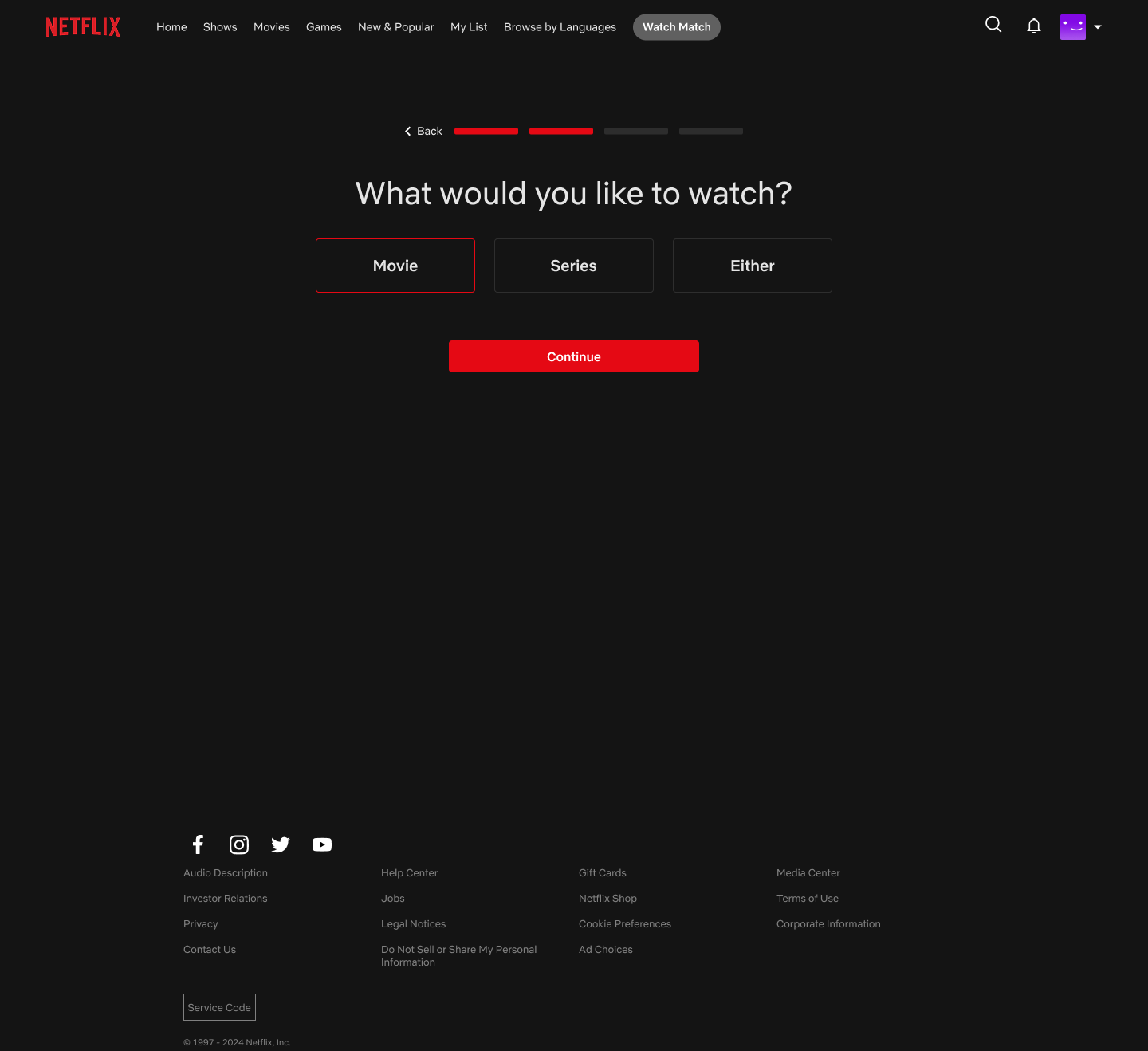
02 Content type
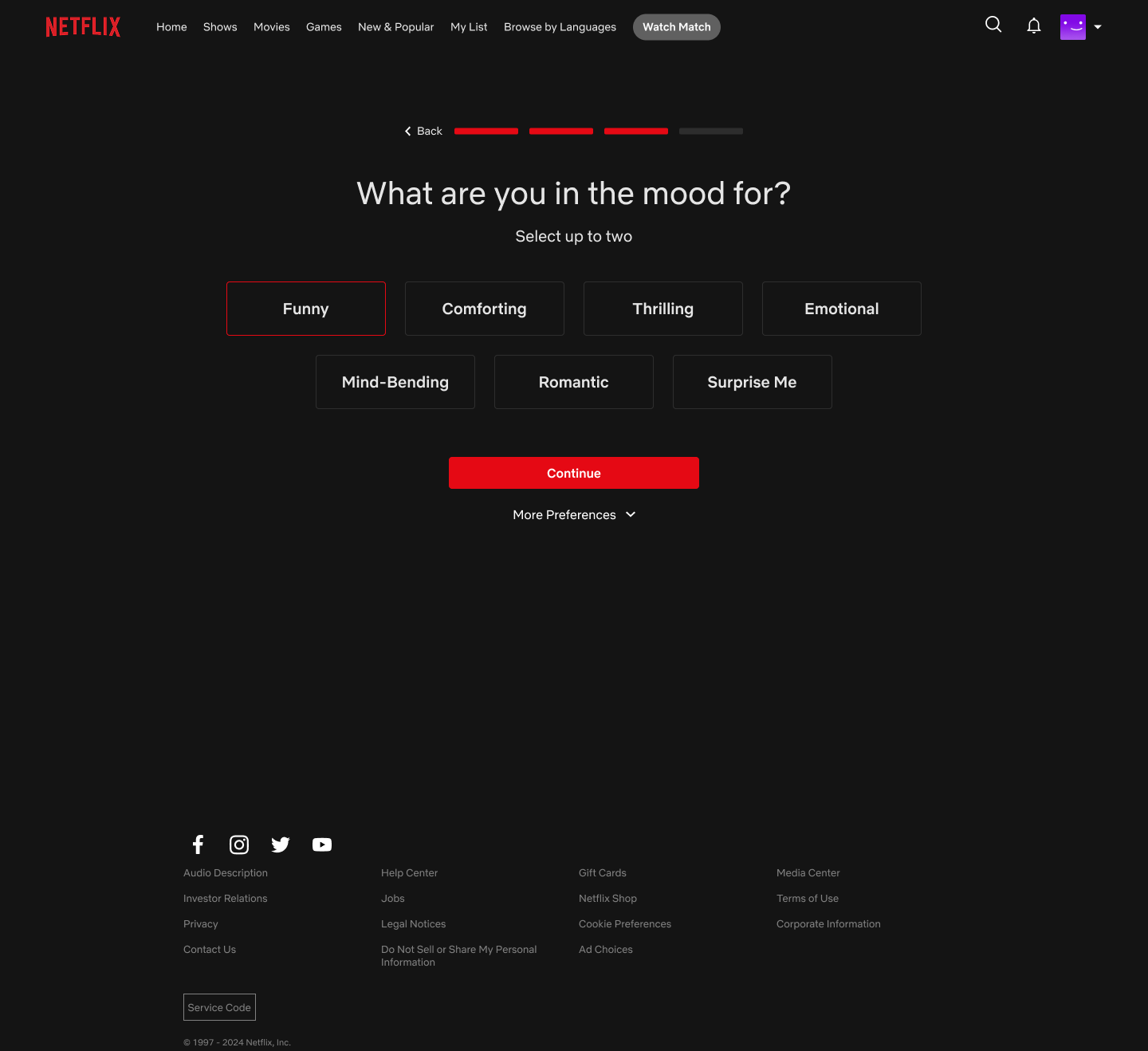
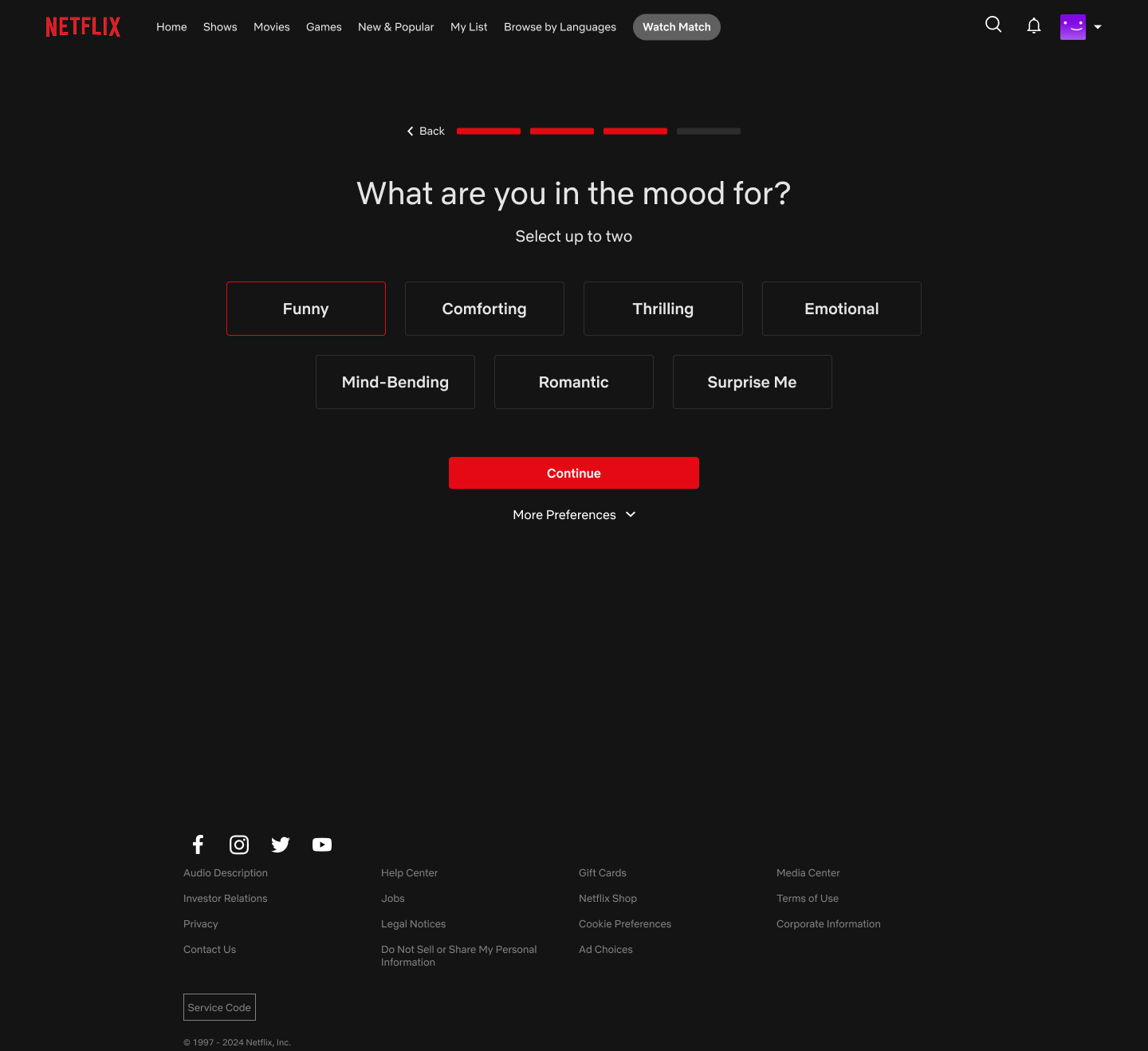
03 Mood
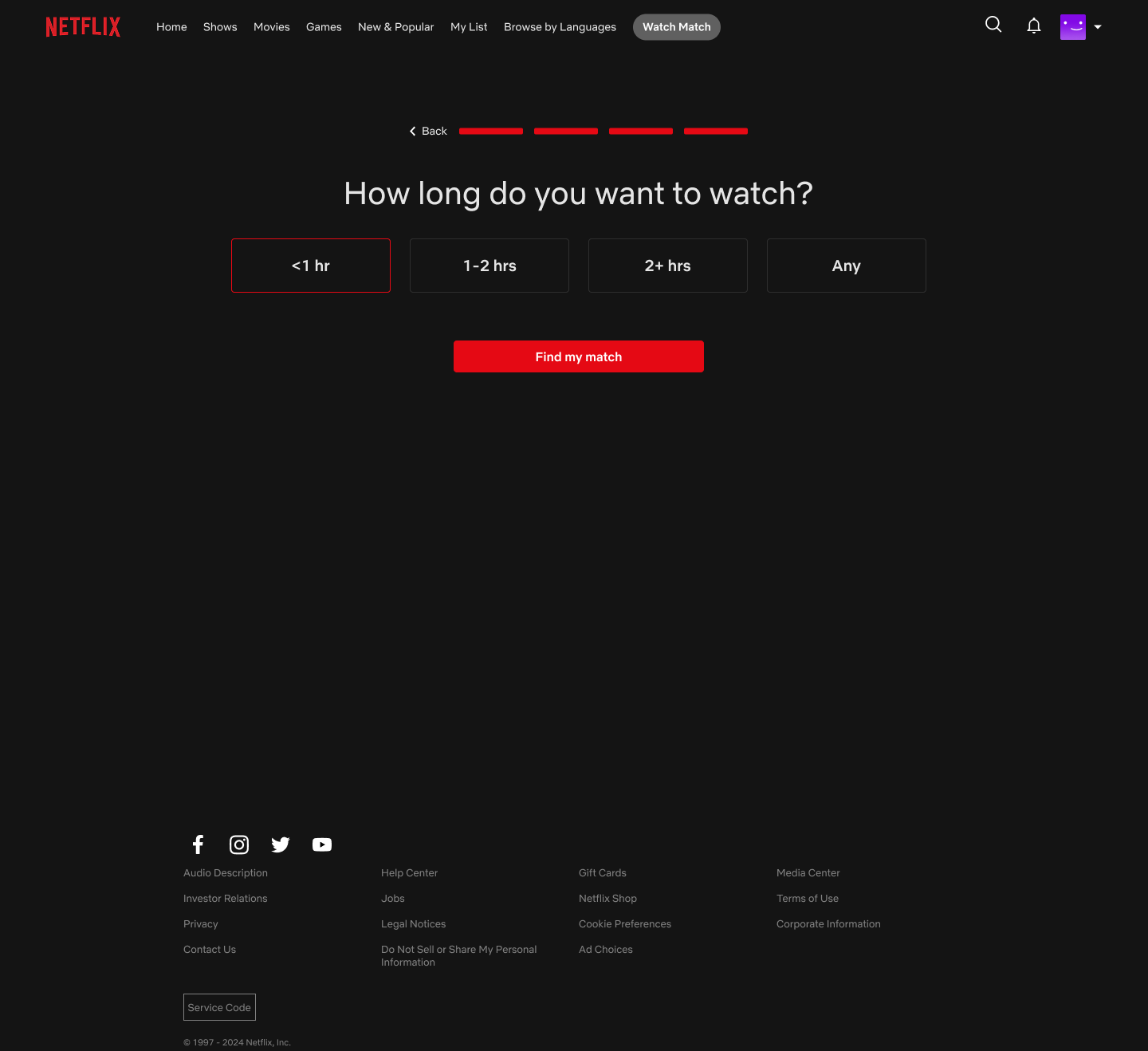
04 Watch length
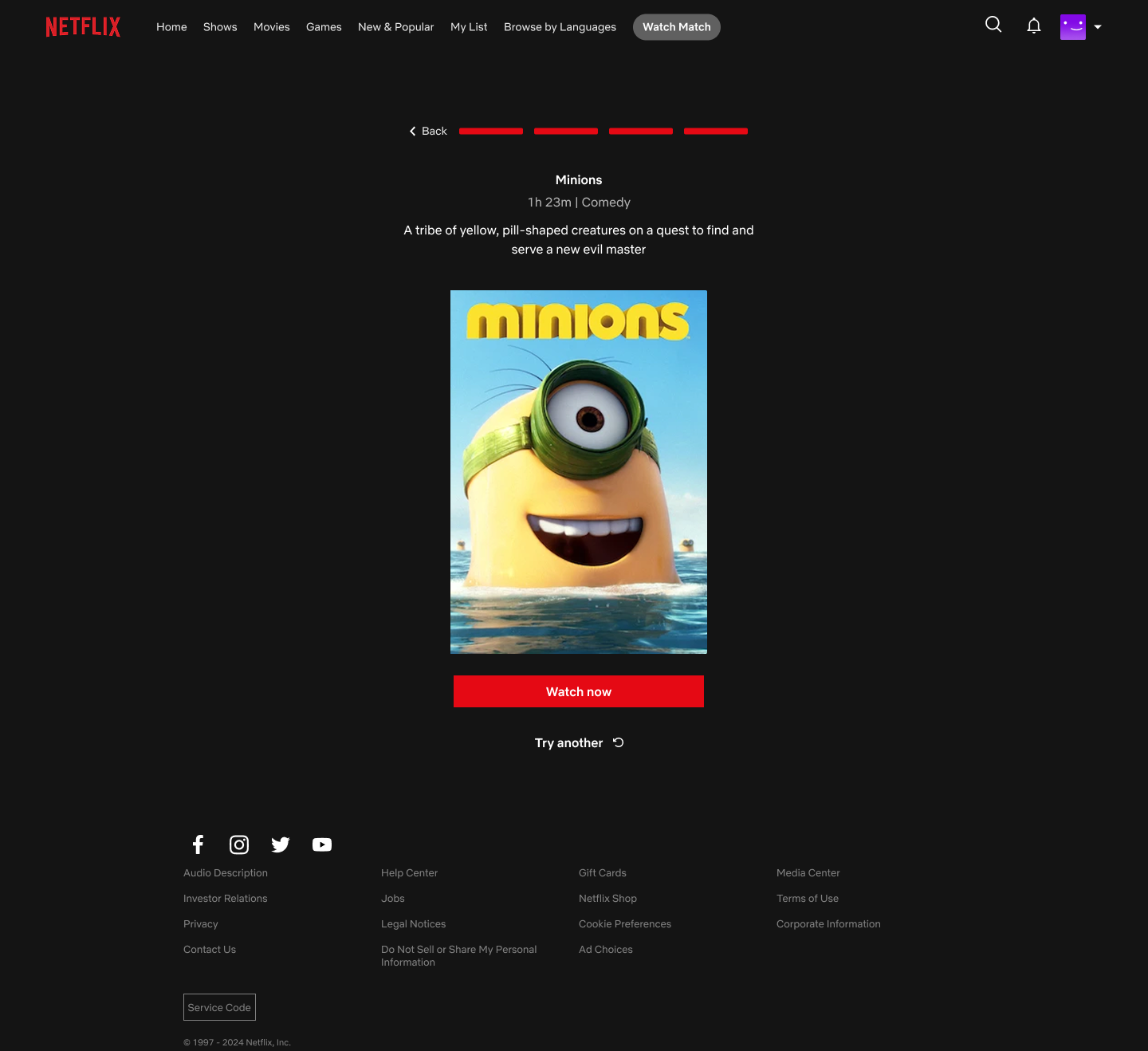
05 Recommendation
Each question narrows the catalog without making the user build a detailed search.
Key design decisions
Six decisions shaped how the flow actually works, grouped by what they were trying to solve.
Row 1: Shaping the recommendation
Context first
The first question ("How are you watching?") splits the flow immediately, so solo and group get different next steps.
| Genre | Mood |
|---|---|
| Comedy | Funny |
| Animation | Comforting |
| Thriller | Tense |
Mood over genre
Different genres can satisfy the same mood. Framing the question around mood makes the interaction feel more natural and opens up cross-genre recommendations.
Row 2: Reducing decision fatigue
Lightweight questions
No actor filters, no release-year sliders — anything more turns a decision tool back into a search interface.
One match
A results list would return users to the same comparison loop the feature is meant to solve.
Row 3: Making groups lightweight
No profiles required
Guests don't need Netflix accounts or manual setup from the host.
Host-controlled readiness
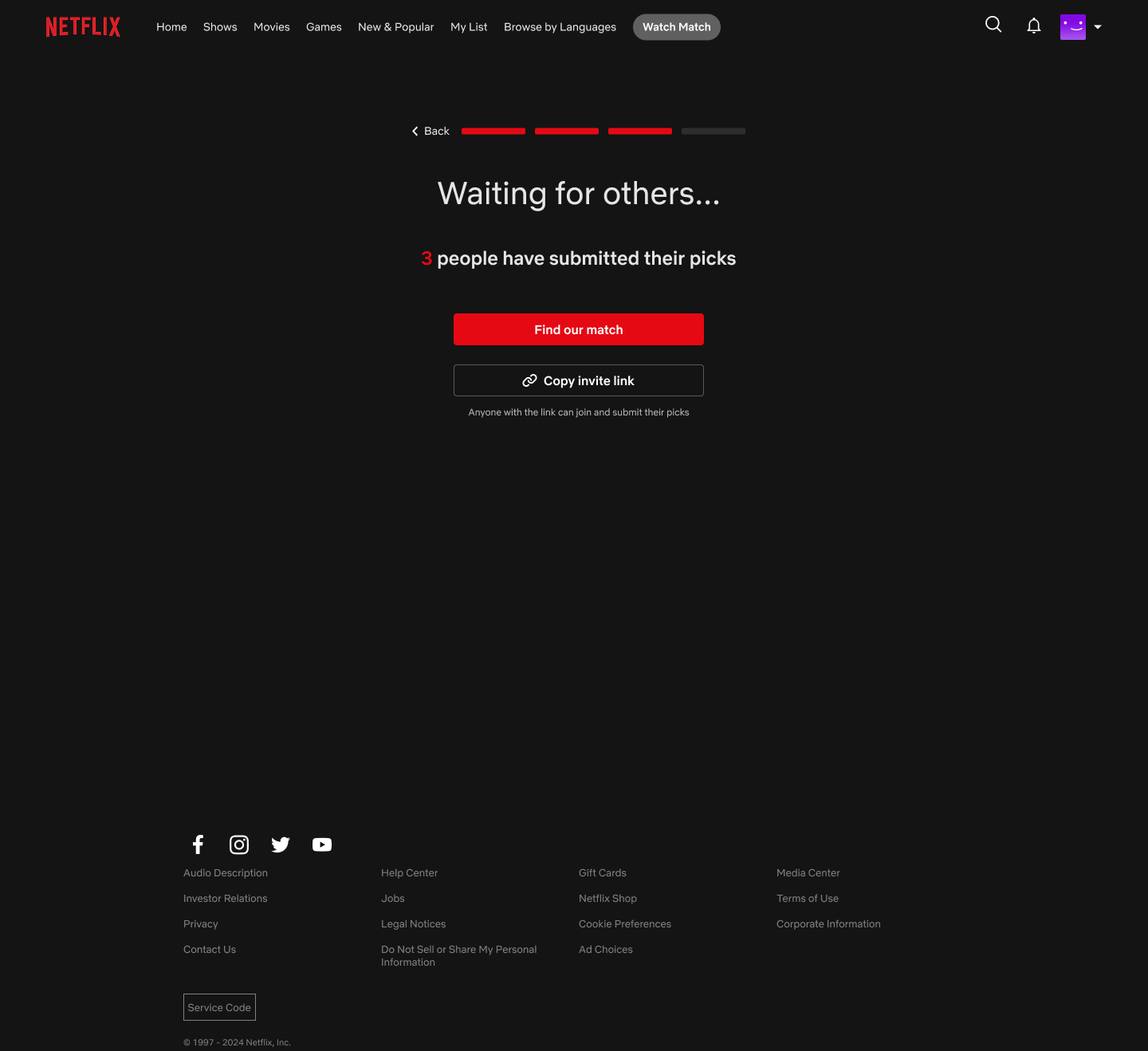
Netflix can count submissions, but only the host knows when everyone is there.
Solution
Five moments make up the full experience.
Each step is deliberately short. The whole flow can happen in under a minute for solo viewers and a couple of minutes for groups.
01 Choose the viewing context
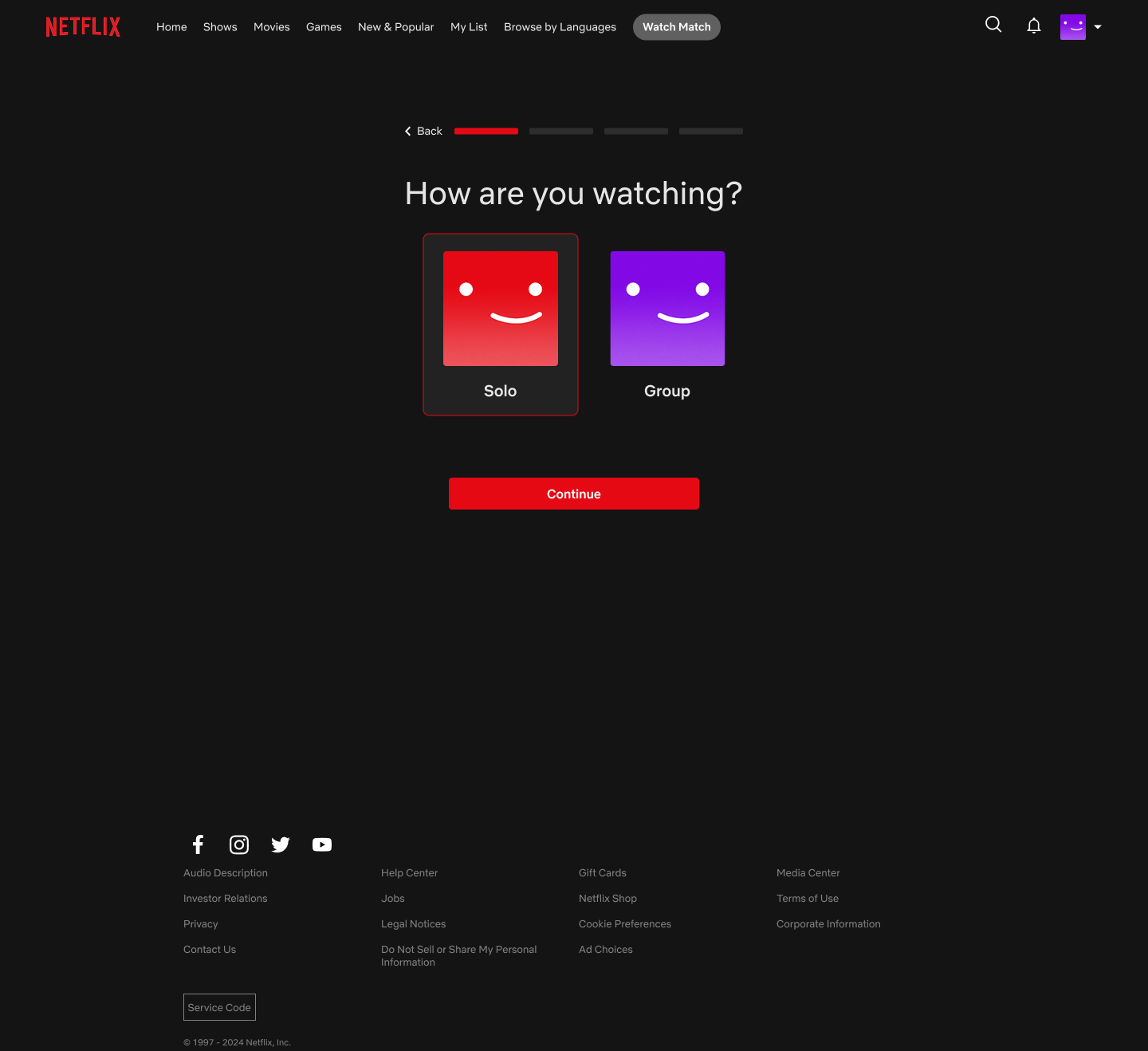
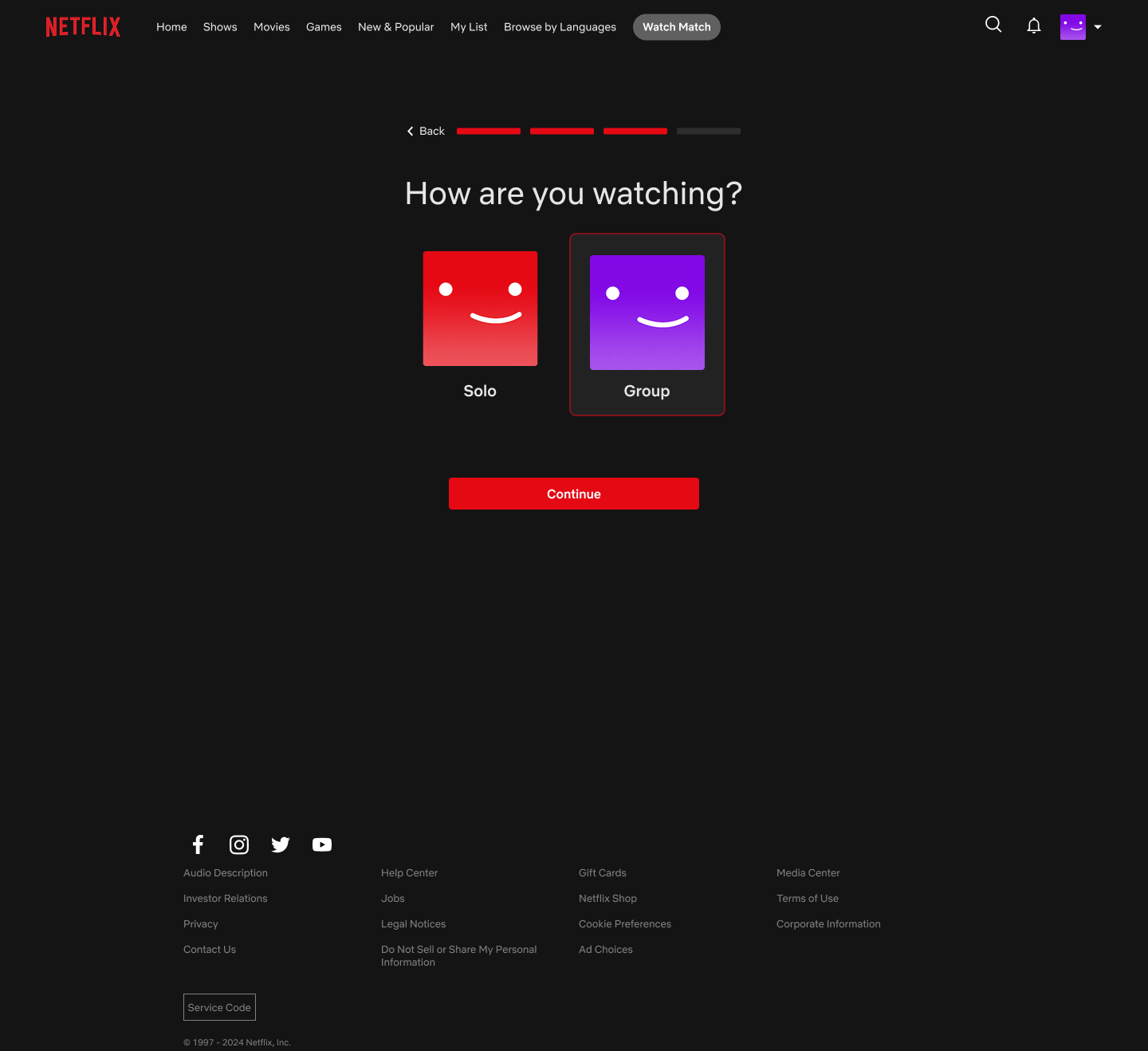
One early choice keeps the solo experience fast while unlocking the extra steps groups need.
02 Set lightweight preferences
Movie + comforting + 1–2 hours → Minions.
03 Bring the group together
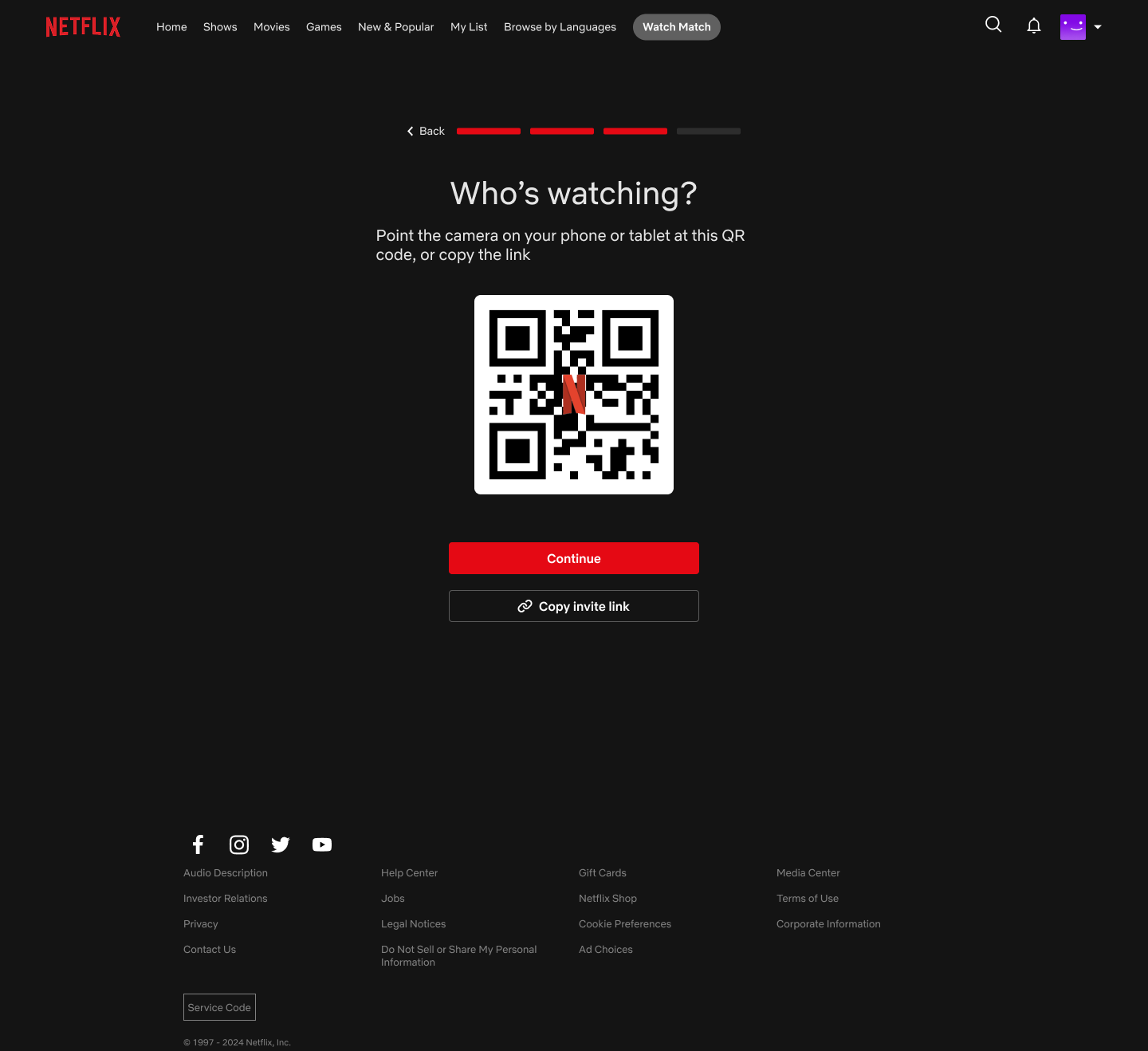
The host shares a QR code or link. Everyone submits on their own device, and the host sees the count grow in real time.
04 One flow, two outcomes
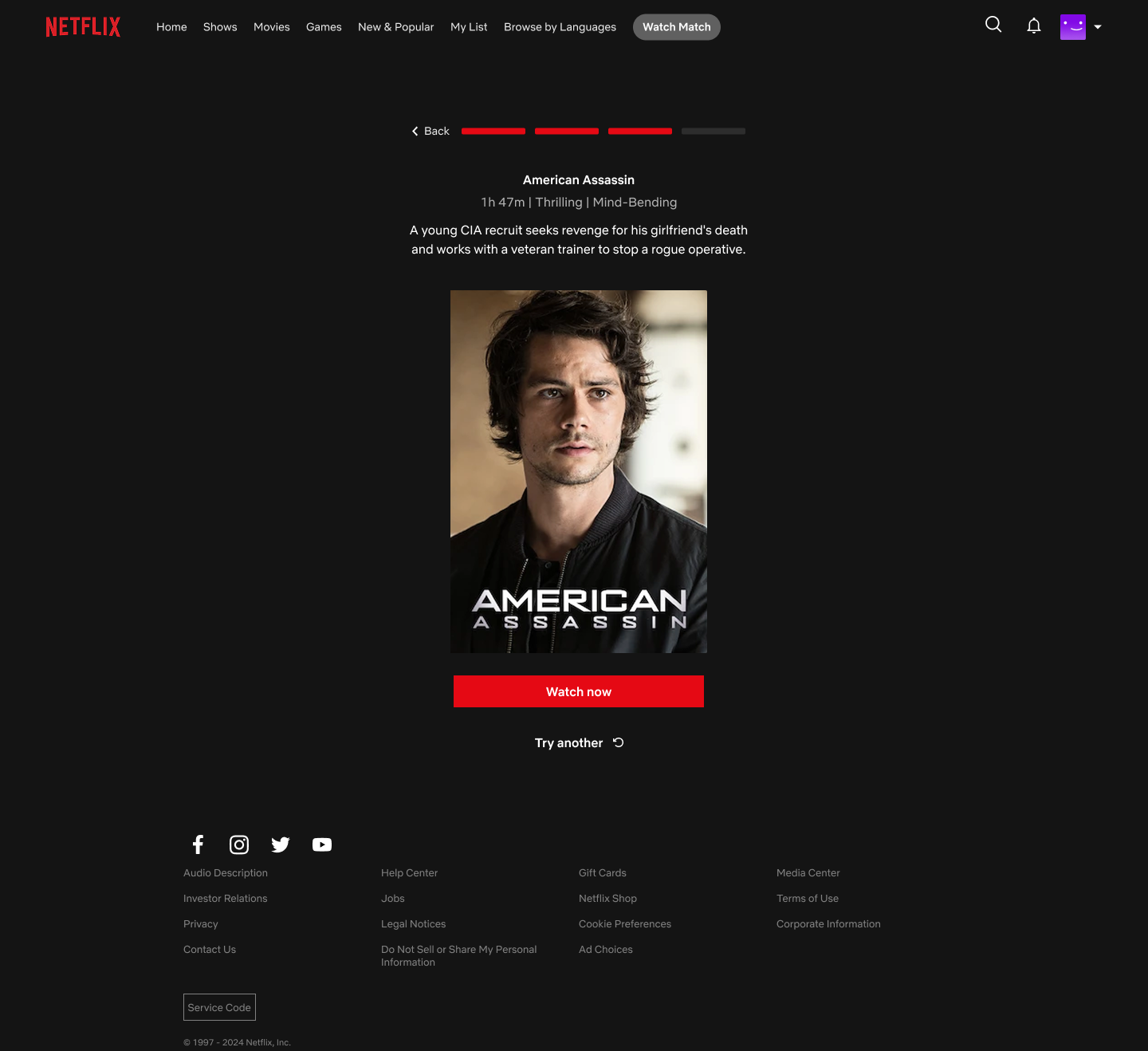
Same interface, same confidence — whether it's one person deciding or five.
Reflection
What I'd explore next
This project stopped at a concept, but a few threads would be worth pulling on if it kept going.
Test the question order
Does starting with mood feel faster than starting with content type?
Explain the match
Show why Netflix selected the title without adding more decision-making.
Handle disagreement
Explore one controlled alternative if the group rejects the first match.